
Powerful, Fast Image Conversion Software
Create high-quality image files in TIFF, PDF, JPG, GIF, PNG, and BMP formats from any program or application.
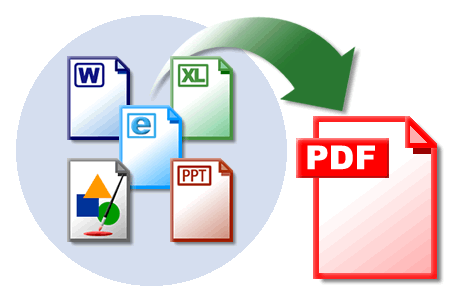
Just Print It!
Print-2-Image installs and functions just like a regular printer. To convert your files, simply print them to Print-2-Image, select the desired file format, and choose where to save your new image file. That’s it!
Print-2-Image allows you to create high-quality image files from any Windows-based server, workstation, or from any application via manual or automatic batch printing.
Supports Numerous Image File Formats
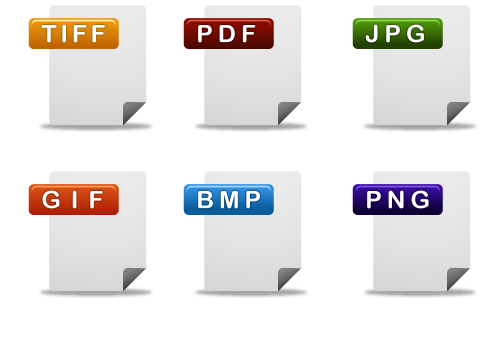
Print-2-Image Version 7 offers a number of new image file outputs – formats that are common and used everyday. In addition to our main TIFF driver output, Print-2-Image converts to PDF, GIF, JPG, Bitmap, PCX, and DCX – all from one single image converter engine.
Custom Application Integration
The Print-2-Image converter is equipped with an OCX Module for embedding the virtual printer driver into custom applications. Application developers and programmers can communicate directly with the core image printer driver to easily generate high-quality images directly from their applications.
What are you waiting for? Give it a try!
Explore all of the features and benefits Print-2-Image has to offer.
Supports Multiple File Formats
Print-2-Image is capable of converting documents and files to TIFF, PDF, JPG, GIF, BMP, PCX and DCX via a simple print process from any Windows Server or Workstation.
Supports 32-bit and 64-bit
Print-2-Image v7 support 32-bit and 64-bit versions of Microsoft Windows Server and Workstation operating systems.
Fast Image Conversion
The core conversion driver is the fastest image conversion engine available, making Print-2-Image the best choice for desktop and batch image conversion.
Server and Workstation Editions
Print-2-Image is available in Server and Workstation Editions. Server Edition may be deployed on Windows Server, Terminal Server, and Citrix. Workstation Edition may be deployed on Windows 7 and previous.
Application Integration
Print-2-Image includes an OCX Module for software developers. Documents and files are converted to TIFF, PDF, JPG, GIF, BMP and other formats via a simple print process. Print-2-Image also supports batch printing directly from workstations, servers, and applications.
Multiple Paper Sizes
Print-2-Image supports a range of paper sizes and formats, including commonly used formats like letter, legal, and A4. Print-2-Image also supports portrait and landscape rendering, and automatically adapts to the format of the original document.
Launch External Application After Conversion
Print-2-Image is capable of launching any external application once the image rendering process has completed. This is ideal for users that wish to view the converted image output.
Ease Of Use
Print-2-Image is extremely easy to use. Simply print any document or file to the Print-2-Image printer driver, choose the desired resolution, select a file format you want, and specify the location where you want to save the newly converted image. Print-2-Image offers numerous options for customizing image formats, resolutions, paper sizes, and orientation, all of which are programmable.
Multiple Languages Supported
Print-2-Image supports many languages including English, French, German, and Japanese. This allows developers to integrate Print-2-Image into native applications in native languages.
Download the Print-2-Image Datasheet
Affordable Pricing
Workstation Edition
Windows 8/7/Vista/XP
Unlimited file conversions
Multiple file formats
Volume discounts available
Starting at
$99.50/seat
Server Edition
Windows Server 2012/2008/2003
Unlimited file conversions
Multiple file formats
Volume discounts available
Starting at
$695.00/server
Request Information
Consult with a solution expert to find the best solution for your needs.
Free Trial
Download a free trial version of Print-2-Image today.
Get a Quote
Work with a solution expert to obtain a personalized solution quote.
Need immediate assistance? We're here to help.
Call (800) 329-9099
Give us a call. We want to hear from you.Email Us
We like emails too. Drop us a note.